Introduction
AI in 2025 isn’t just “chatbots.”
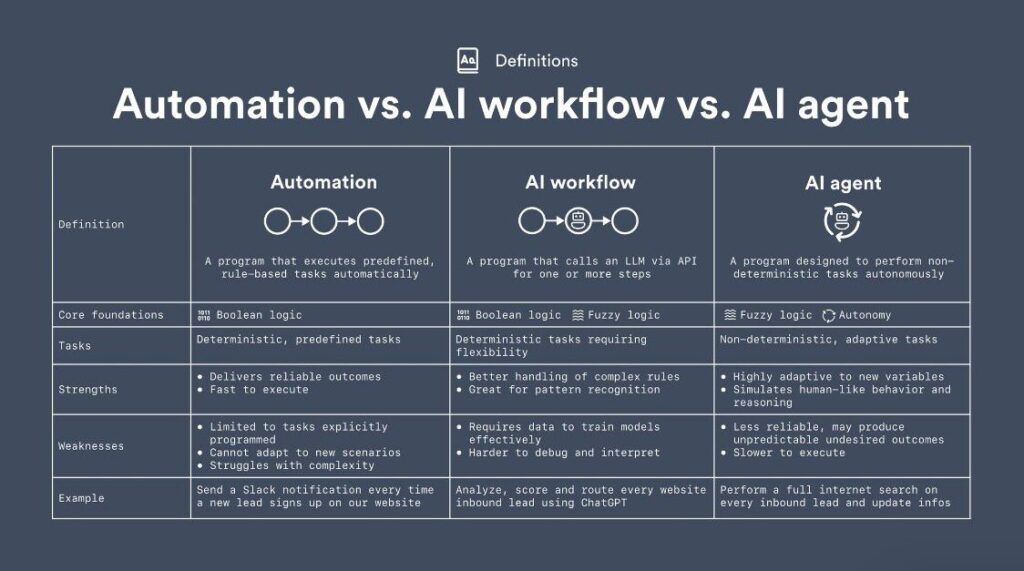
We now have AI agents—autonomous digital workers that can plan tasks, make decisions, run tools, browse the internet, and execute workflows without your constant input.
This guide will show you how to automate your entire day using fully or semi-autonomous AI agents — with a clear, followable, step-by-step structure.
By the end, you’ll be able to automate:
- Email replies
- Research tasks
- Scheduling
- Content creation
- Data entry
- Reminders & planning
- Social media tasks
- Personal life routines
Let’s break it down clearly and logically.
Step 1: Understand What an AI Agent Actually Does
Before jumping in, you need to understand what makes an AI agent different from ChatGPT.
An AI Agent Can:
- Plan tasks autonomously
- Use tools (browsers, APIs, apps)
- Take actions based on goals
- Run multi-step workflows
- Learn from feedback
An AI Agent Is Best Used For:
- Repetitive tasks
- High-volume tasks
- Information processing
- Scheduling
- Monitoring
- Writing & analysis
The more repetitive the task → the easier to automate.
Step 2: Choose Your AI Agent Platform
Here are the simplest and most powerful agent tools you can start with today:
1. OpenAI GPT-5.1 with Agents
- Most stable
- Best reasoning
- Deep system integration
- Great for professional workflows
2. Microsoft Copilot Studio
- Amazing for business automation
- Connects easily with Teams, Office, Outlook
3. ReAct / CrewAI / AutoGen (for developers)
- Best for custom pipelines
- Allows multi-agent systems
- Requires basic Python
Step 3: Automate Your Morning Routine (Emails, Calendar, Planning)
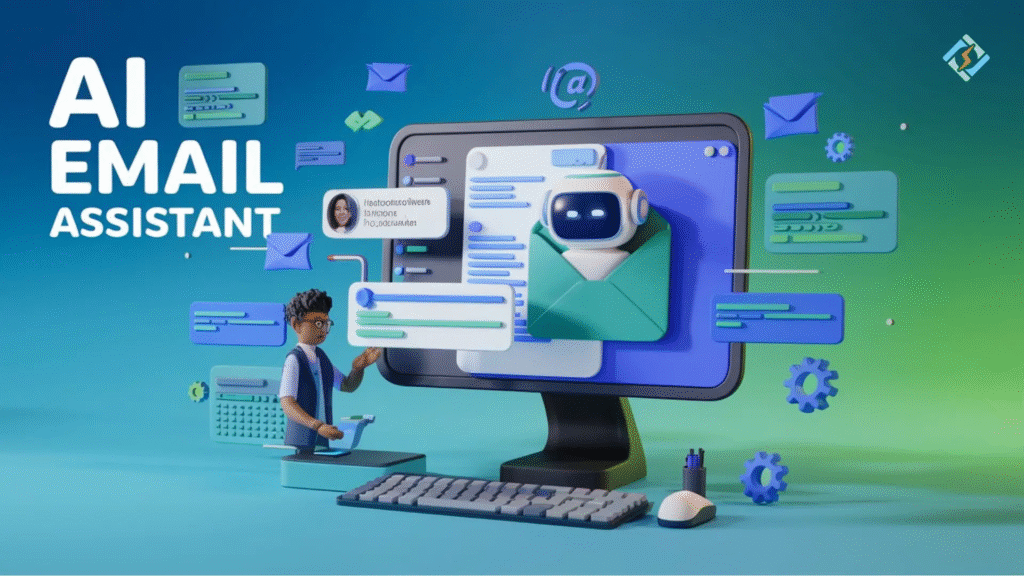
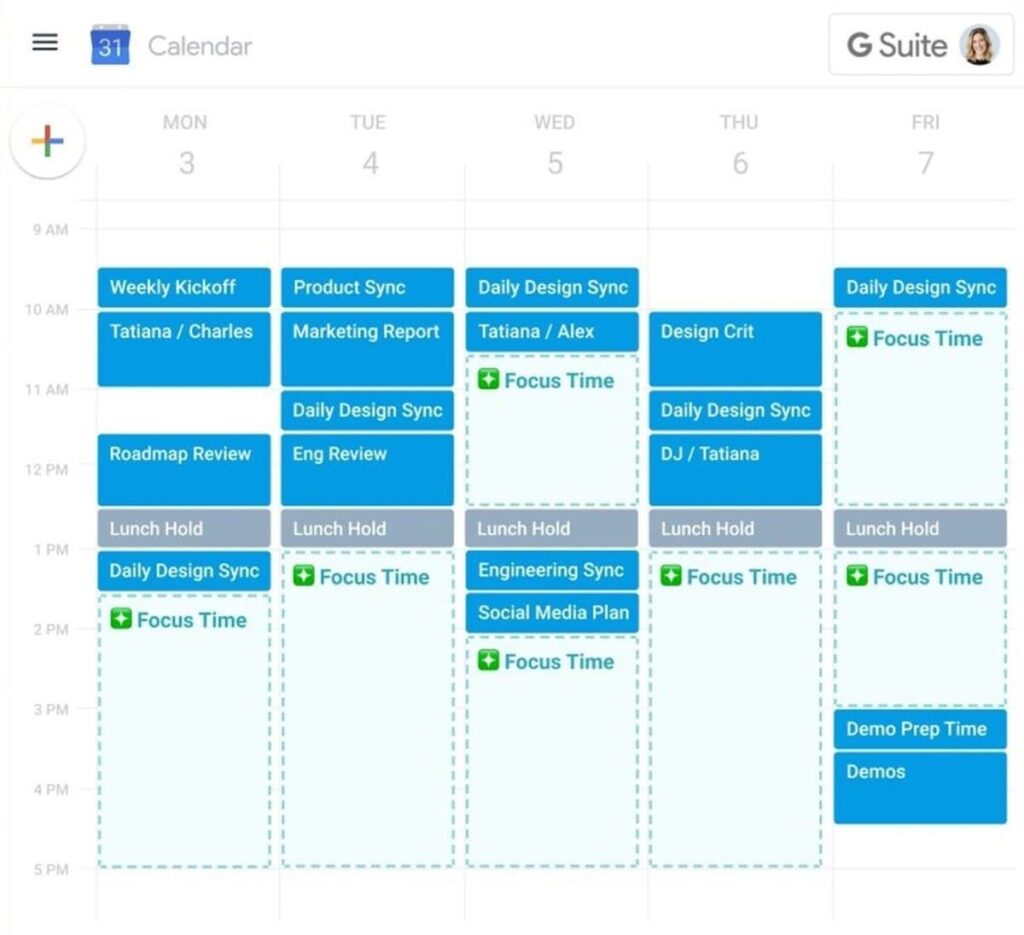
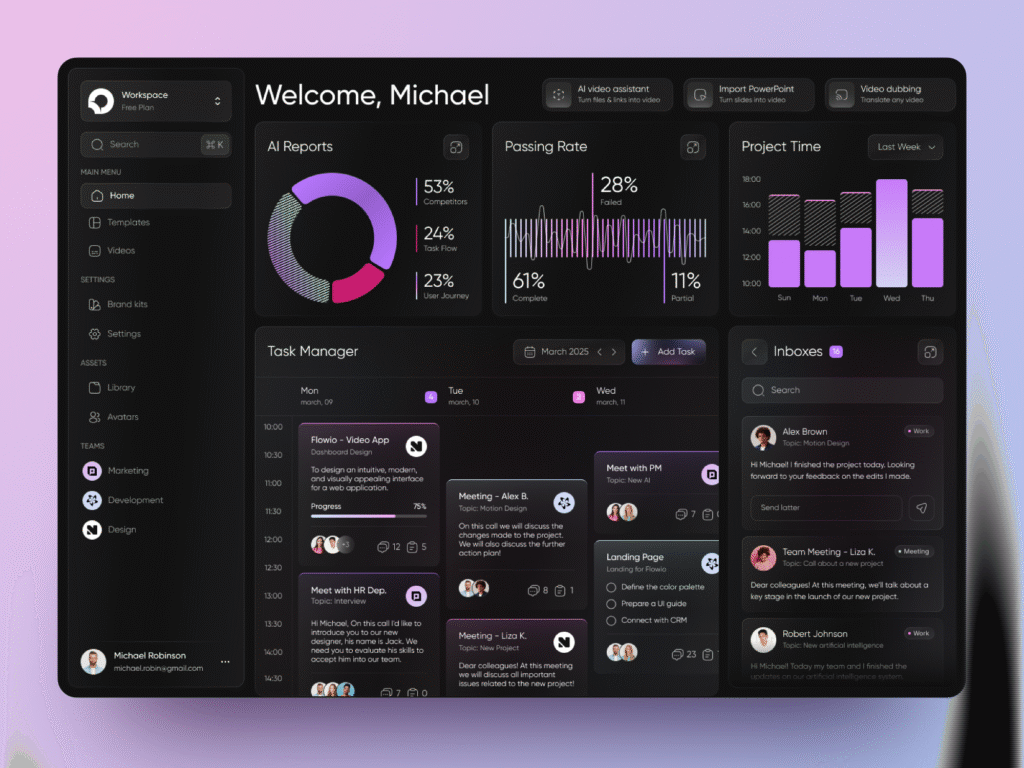
Automation Blueprint:
- Open inbox
- Categorize emails
- Draft replies
- Prioritize tasks
- Update your calendar
- Create a daily plan
Example Prompt:
“Act as my daily automation agent. Each morning: scan my emails, summarize the top priorities, draft replies, schedule meetings, and build a task list in priority order.”
What the Agent Does Automatically:
- Flags urgent messages
- Writes reply drafts
- Suggests times for meetings
- Creates a to-do list
- Sends you a “Day Overview” message
This alone saves 30–60 minutes every day.
Step 4: Automate Research & Information Gathering
Agents excel at:
- Competitor analysis
- Market research
- Web scraping
- Trend monitoring
- Report summaries
Example Workflow:
- Agent browses online sources
- Extracts key information
- Compiles into a structured report
- Delivers summary + insights
- Repeats daily/weekly on schedule
Example Prompt:
“Every morning at 8 AM, gather the latest news about AI tools, summarize updates, and deliver a report with sources.”
Perfect for creators, marketers, founders, and analysts.
Step 5: Automate Repetitive Work Tasks
Tasks You Can Automate Today:
- Creating blog outlines
- Writing social posts
- Classifying documents
- Transcribing meetings
- Creating spreadsheets
- Analyzing PDFs
- Drafting proposals
Example: Content Automation
Tell the agent:
“Create three Twitter posts based on the attached blog. Make them viral-friendly, under 280 characters.”
Example: PDF Automation
“Extract all deadlines from this 25-page PDF and put them into a table.”
Step 6: Automate Your Personal Life Routines
You can use AI to manage:
- Shopping lists
- Meal planning
- Budget tracking
- Workout planning
- Event reminders
Example Prompt:
“Plan my meals for the week, generate a shopping list, and order items through Instacart if stock is available.”
Example Prompt:
“Create a 4-week workout plan based on my schedule and fitness goals.”
Step 7: Connect Agents to Apps for Full Automation
To go beyond prompting, connect agents to:
- Notion
- Google Calendar
- Gmail
- Trello
- Slack
- Shopify
- APIs
With integrations, your agent can:
- Add tasks
- Update calendars
- Send messages
- Manage workflows
- Automate business tasks
This transforms the agent into a true digital employee.
Step 8: Build Your Full Daily Automation System
Here’s a complete example:
Morning
- Email triage
- Calendar updates
- Day summary
Workday
- Content creation
- Research monitoring
- Scheduling
- Document processing
Evening
- Task recap
- Tomorrow’s plan
- Reminders
Your life becomes predictable, automated, and efficient.
Conclusion
AI agents in 2025 can automate over 40–60% of your digital tasks.
They’re your:
- Assistant
- Researcher
- Planner
- Writer
- Analyst
- Scheduler
Use them correctly → your productivity skyrockets.
Leave a Reply